Cloud Gaming 2026 : AAA Games on Smart TV
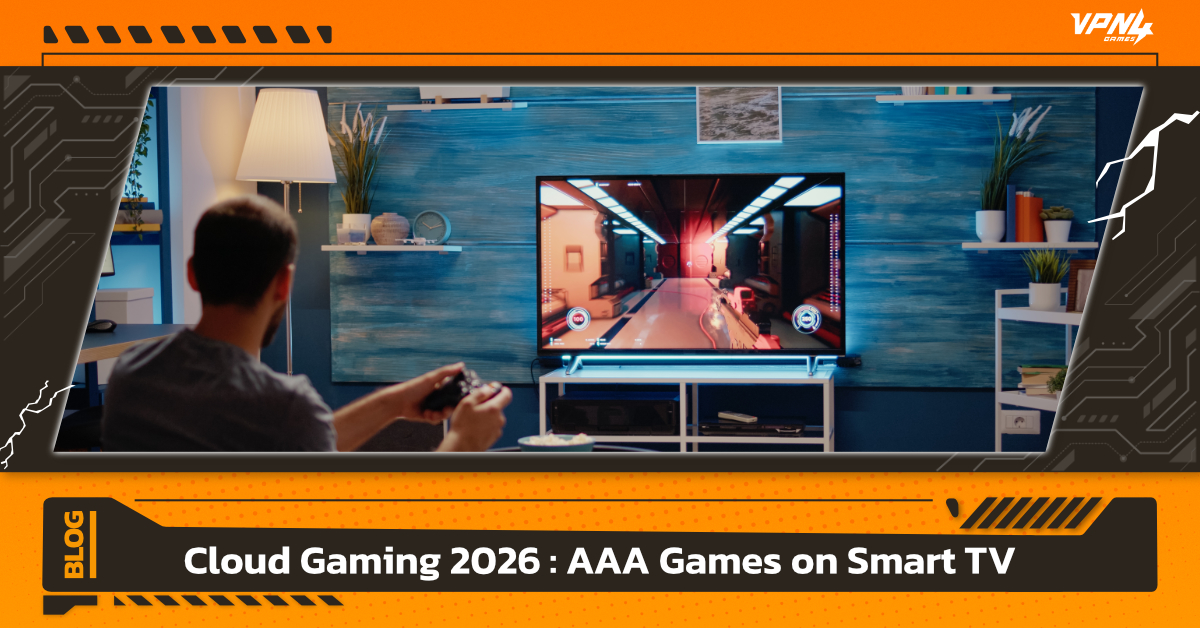
Cloud Gaming is a revolutionary way to play games, shifting from "running discs or installing local files" to "streaming data" over the internet. To put it simply, Cloud Gaming is like Netflix or YouTube, but with one major difference: you can control the action in real-time. Driven by technological advancements and the shifting hardware landscape, the "no-console-required" concept has become a reality in 2026.
The heart of Smart TV gaming in 2026 lies in Remote Server processing. These high-performance servers act as the "brain" instead of an expensive console. When you press a button on your controller, the signal is sent to a distant server that processes complex graphics and streams the visual feedback to your TV in milliseconds.
Top Cloud Gaming Services Every Gamer Needs
Xbox Cloud Gaming
Xbox Cloud remains the top choice for gamers in 2026. Its standout feature is the Xbox Game Pass Ultimate subscription, which provides instant access to hundreds of AAA titles without the need for individual purchases.
- Gameplay Experience: You can run blockbuster titles like Halo or Forza Horizon directly via the Xbox app on your Smart TV.
- Convenience: Microsoft’s cloud infrastructure has evolved to the point where latency is nearly zero. It also supports Cross-save, allowing you to pick up where you left off from your PC to your TV seamlessly.
NVIDIA GeForce NOW
For those who prioritize raw graphical power and realism, NVIDIA’s Cloud Game service is the answer. Experience RTX power on the big screen with streaming technology that supports Ray Tracing and DLSS.
- Graphic Quality: Stream at up to 4K 120fps on compatible TVs. It feels like having an RTX 40 or 50 Series PC plugged directly into your TV.
- Personal Library: A major perk is the ability to play games you already own on Steam or the Epic Games Store, avoiding redundant subscription costs.
Local Providers & Others
By 2026, Thai ISPs like AIS and True have significantly expanded their Cloud Gaming ecosystems.
- Exclusive Servers: Collaborations with global developers to host servers locally in Thailand have drastically reduced Ping, making FPS games smoother than ever.
- Bundle Packages: These often come as home internet bundles including Cloud Gaming memberships or complimentary controllers for Android TV boxes, making gaming more accessible for Thais.
Equipment Checklist for Smart TV Gaming
- Compatible Smart TV: (Samsung, LG, Sony, or Android TV models from 2024–2026).
- Controller: A Bluetooth-enabled controller (Xbox, DualSense).
- High-Speed Internet: Why 100Mbps+ speed and low latency are non-negotiable.
How to Set Up Cloud Gaming for a Console-Like Experience
1. Seamless Setup & Login
Convenience is the soul of Cloud Gaming, but a proper start prevents future headaches.
- Explore the Store: On your Smart TV (specifically Samsung Gaming Hub or Android TV), search for "Xbox" or "GeForce NOW" in the App Store. Pro tip: Install apps directly onto the TV’s internal storage—avoid USB drives to ensure faster app response.
- QR Code Login: Services like Xbox Cloud utilize QR Code logins, which are much safer and easier than typing passwords with a remote. Have your smartphone ready with your Microsoft account logged in.
- Controller Sync: Before launching a game, pair your controller via Bluetooth in the TV's "Accessories" menu so the app recognizes it immediately.
2. Using LAN vs. Wi-Fi to Eliminate Input Lag
This is the most critical technical step. Input Lag is the enemy of Cloud Gaming.
- Why LAN?: While 5GHz Wi-Fi is fast, signal stability (Jitter) is often inconsistent. A LAN cable (Cat6 or higher) ensures the most stable latency, making your button presses and on-screen response nearly instantaneous.
- Packet Loss: Wi-Fi in crowded areas can cause pixelated images or audio stuttering. A LAN cable eliminates this problem almost 100%.
- TV Game Mode: In addition to the cable, you must enable "Game Mode" in your TV settings. This disables unnecessary post-processing, shaving off crucial milliseconds of display lag.
3. Server Optimization (Choosing the Nearest Node)
Distance dictates latency. Choosing the right node is vital.
- Xbox Cloud Gaming: In Thailand, selecting the closest zones like Singapore or Japan provides significantly lower Ping than US servers. (Using a VPN to switch zones just to start the game, then turning it off to utilize your full home internet speed, is a highly recommended tactic).
- GeForce NOW: Using a SEA partner like StarHub Singapore offers the smoothest experience due to the shorter physical data path.
- Ping Testing: Aim for a Ping below 30–50ms for a true console-like feel.
Pros and Cons of Cloud Gaming
The Future: Gaming Without Hardware
We are entering the era of "Gaming Everywhere." The barrier of expensive hardware has been dismantled by Cloud technology. To play a world-class game, you no longer need a wallet full of cash for a PC rig—you just need a Smart TV and a solid internet connection.
While minor limitations like Input Lag exist today, the expansion of 5G, Wi-Fi 7, and regional data centers in SEA will soon make Cloud Gaming indistinguishable from local hardware.
Pro Tip: Upgrade Your Experience with VPN4Games
Even with high-speed internet, "data routing" can sometimes take a long path, causing high Ping. This is where VPN4Games comes in:
- Reduce Ping & Lag: With 100+ optimized servers across 20 countries, it finds the shortest path to game servers.
- Unlock Regions: Access Cloud Gaming services not yet officially launched in Thailand by connecting to Singapore or Japan.
- Maximum Stability: Eliminates Packet Loss that causes pixelation during streaming.
For a truly seamless experience, pairing a LAN cable with VPN4Games is the ultimate formula for Cloud Gaming perfection on your Smart TV, Laptop, or PC.
Additional recommended articles
What Are AAA Games and How Do They Differ from Others?