Fix Anti-Cheat Bans: VPN Tricks to Save Your ID
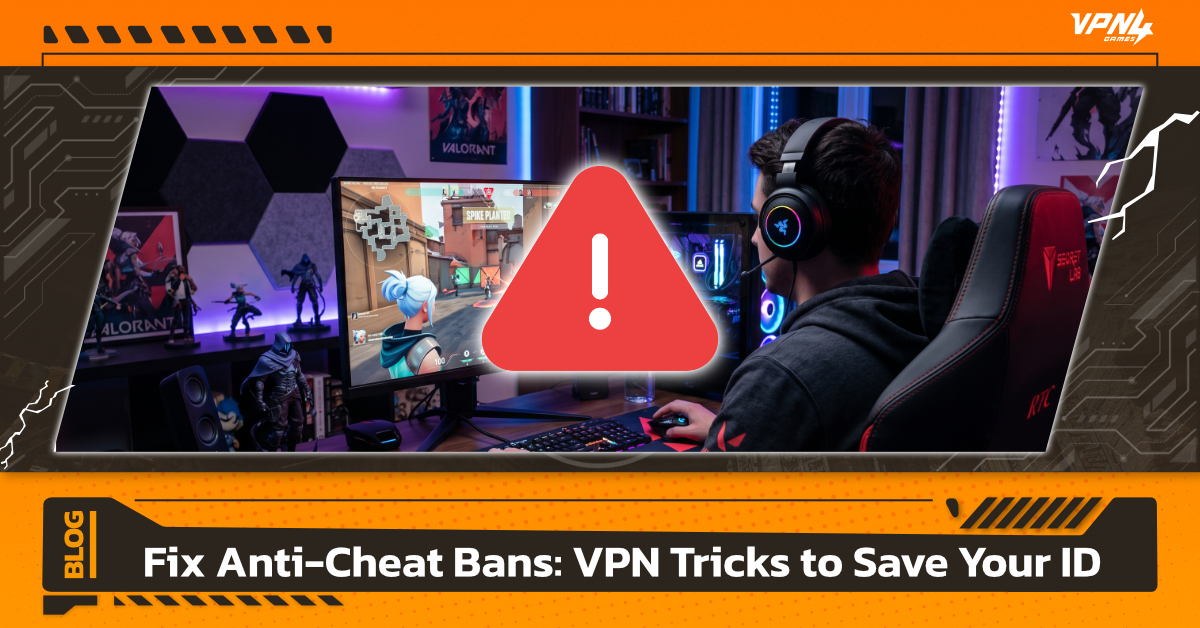
Have you ever been in the middle of an intense gaming session, only to be abruptly kicked out with a "You have been permanently banned" message,even though you've never used a cheat program in your life? This is the modern gamer's worst nightmare. As contemporary anti-cheat systems tighten their grip with kernel-level access, everyday software like RGB lighting controllers or basic system utilities can mistakenly be flagged as security threats. On top of that, "collateral IP bans" caused by sharing an IP address with a previously banned cheater have left many innocent players stripped of their hard-earned accounts. This article explores how anti-cheat systems work, why false bans happen, and how gamers are successfully using VPNs to protect their IP addresses and minimize the risk of accidental bans.
How Anti-Cheat Systems Work
File Integrity Check – Real-Time File Monitoring
The foundational layer of any anti-cheat system is the File Integrity Check. The system continuously compares the game files stored on your local machine with the original files on the game server. If it detects any modifications, unauthorized file injections, or tampered data, the system flags it as a potential cheat and can instantly issue a warning, block access, or ban the account.
Process Monitoring – Background App Scanning
Another critical mechanism is Process Monitoring, which scans all active software running on your computer. Modern anti-cheat systems, such as Riot Games' Vanguard (Valorant), operate at a kernel-level (Ring 0). This grants them deep access to the operating system to detect sophisticated cheats hiding in the background. However, because it operates at such a foundational level, innocent software like RGB controls (e.g., Armoury Crate, iCUE), macro drivers, or strict antivirus programs can be misinterpreted as malicious tools.
Behavior Analysis – Gameplay Patterns
Anti-cheat systems also employ behavioral analysis to catch anomalies during live gameplay. Perfect tracking, inhuman reaction times, impossible movement, or inputs matching known aimbots and scripts are flagged instantly. If the AI-driven system detects highly suspicious telemetry, it will either trigger a manual review or, in severe cases, issue an automated instant ban.
What is Anti-Cheat? Why Modern Games Suffer from "False Bans"
For online gamers, anti-cheat software is a familiar presence. It is designed to detect, analyze, and prevent cheating or file manipulation to maintain fair play. However, instances of "False Positive" bans are on the rise. This happens because modern detection thresholds are tuned so tightly that completely benign, everyday software is frequently misidentified as a threat.
The Intrusiveness of Kernel-Level Anti-Cheat
Previously, anti-cheat programs operated strictly within the user mode of an operating system. But as cheat developers found workarounds, developers shifted to kernel-level systems (Ring 0) like Riot Vanguard, Easy Anti-Cheat, and Ricochet. These systems initialize the moment your PC boots up, giving them the authority to monitor hardware, drivers, and every running process to block cheats before they can execute.
Common Software Flagged by Anti-Cheat Systems
- RGB Lighting Software: Programs like Armoury Crate or iCUE interact directly with hardware components, mimicking behaviors used by some cheat engines.
- Mouse Macro Drivers: Key remapping software or mouse macro configurations can be flagged by behavior systems as automated bots.
- Antivirus Programs: Highly aggressive security software scanning game files in real-time can conflict directly with a game's proprietary anti-cheat defenses.
Understanding "IP Bans": The Nightmare You Didn't Cause
To crack down on persistent cheaters, game developers frequently deploy network-level punishments known as IP Bans. Unfortunately, this method regularly catches innocent players in the crossfire.
When a severe cheating violation is detected, publishers ban both the game account (ID Ban) and blacklist the corresponding IP address. This prevents the cheater from simply spinning up a new account on the same network.
The Catch: Most residential internet setups utilize a Shared IP or Dynamic IP system managed by Internet Service Providers (ISPs). This means the IP address assigned to your router today was likely used by someone else yesterday.
If that previous user got caught cheating and caught an IP ban, that blacklist remains active. When your ISP rotates that tainted IP address to your home, the anti-cheat system assumes you are the returning cheater, resulting in an immediate network-side ban or block—even if you've done absolutely nothing wrong.
Account Security Comparison: Direct Connection vs. High-Quality VPN
3 Ways a VPN Protects Your Gaming ID From Unjust Bans
With anti-cheat protocols becoming increasingly unforgiving, a high-quality VPN has become an essential tool for digital self-defense. Here is the technical breakdown of how a VPN keeps your account safe:
1. Switching to a Clean IP to Avoid Collateral Damage
A VPN's core function is masking your actual IP address. If your residential IP has been blacklisted due to a previous user's bad behavior, connecting to a VPN switches your network footprint to a verified Clean IP, clearing you of any inherited flags from the anti-cheat system.
2. Stabilizing Connections and Reducing Packet Loss
Severe network jitter or packet loss can cause characters to wildly teleport across a map. Some aggressive anti-cheat systems can misinterpret this erratic data transmission as a "Lag Switch" cheat. Premium gaming VPNs optimize data routing, ensuring a steady stream of information to the game server, eliminating artificial lag, and preventing false automated flags.
3. Preventing Account Takeovers (Hijacking)
A highly common route to a permanent ban is having your account hacked, sold, and used by a cheater. VPNs encrypt your entire internet traffic payload, making it incredibly difficult for malicious actors on shared networks to sniff out your login credentials or inject malware into your machine.
Caution! How to Choose the Right VPN to Avoid Double-Banning
While a VPN is highly effective, choosing the wrong provider can actually worsen your situation. Low-tier services often use compromised networks that trigger immediate security flags.
Avoid Free VPNs Entirely
Free VPN services operate on incredibly limited server pools. This forces thousands of users onto the exact same IP addresses—making them a magnet for banned cheaters. If you log into a game using a free, heavily blacklisted VPN IP, your account will likely be flagged instantly.
Opt for a Dedicated IP
The safest route is choosing a VPN provider that offers a Dedicated IP option. This provides you with a private static IP that is used exclusively by you, eliminating any chance of collateral bans.
Verify Premium Encryption
Ensure the provider utilizes modern encryption protocols. This secures your data packets without adding unnecessary processing overhead to your machine.
Look for Gaming-Optimized Servers
Seamless gaming requires low latency. Select a VPN that explicitly hosts high-speed, low-ping gaming nodes to keep your gameplay fluid and competitive.
Modern anti-cheat systems are incredibly sophisticated, but their deep kernel integration means false positives and unfair IP bans are a reality for everyday gamers. Keeping your local background applications tidy is a great first step, but pairing it with a premium gaming VPN adds an essential layer of network security.
If you are looking for a VPN built explicitly for gaming, VPN4Games is a stellar choice. It actively minimizes ping, stabilizes connection routes to reduce packet loss, and offers clean IPs to shield you from unfair collateral bans—giving you total peace of mind in every competitive match.
Additional recommended articles
What is the IKEv2 VPN protocol?
How to Reduce Ping for Smooth Online Gaming
What is VPN4Games ? Why No.1 for gamers ?