How to play Counter-Strike 1.6 for free through the browser
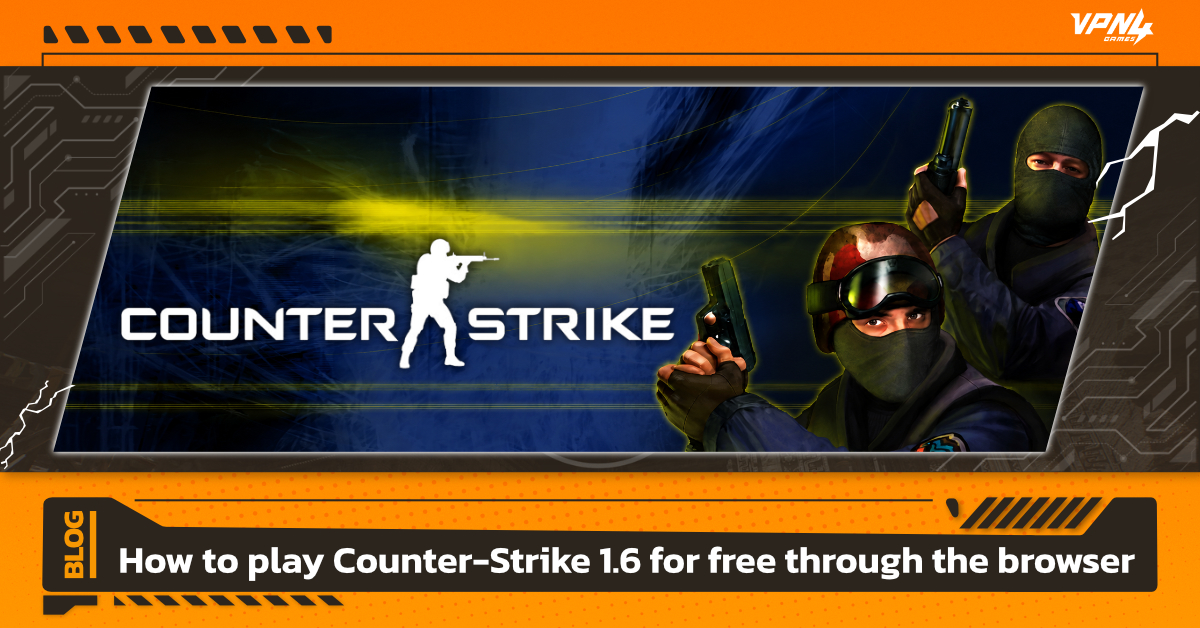
Counter-Strike 1.6 is an FPS (First Person Shooter) game that was extremely popular in the past and remains a favorite among FPS fans to this day. For those who want to relive the legend and play without installing the game on their device, you can play Counter-Strike 1.6 for free through your browser, as long as you have internet access.
Counter-Strike 1.6 is a first-person shooter (FPS) game that has become a legendary title in the gaming industry, first launched in 2000. Counter-Strike is a famous online game featuring a war between police and robbers. Thieves, who have been with Thai players for a long time, can now play the 1.6 version of the game for free with friends on a "web browser." Recently, it has also been updated to include "Thai language" support.
Why Is Counter-Strike 1.6 on a Browser Worth Playing?
The browser-based version of Counter-Strike 1.6 has become increasingly popular because it lets players jump into this iconic shooter faster and more conveniently than ever. Whether you're a longtime fan or just looking for a quick game during your spare time, it offers several advantages that make it stand out.
1. No Downloads or Installation Needed
Getting started takes only a few seconds. Open your browser, enter a username, join a server, and you're ready to play. There's no need to download large files, install software, or wait for updates.
2. Runs Smoothly on Most Computers
Because the game is designed to run directly in a browser, it requires very little hardware power. From office desktops and older laptops to MacBooks, most devices can handle it comfortably without putting extra strain on the system.
3. Online Matches with Real Players Anytime
Enjoy the classic Counter-Strike experience against real opponents from around the world. With multiple server options available, including servers in Asia, players can often benefit from lower ping and a more stable connection.
4. Great for Playing with Friends
Sharing a match is simple. Just send a link, have your friends join the same room, and start playing together on classic maps within minutes. It's a perfect choice for quick games during breaks, after work, or casual competitions with friends.
If you're feeling nostalgic for the classic Counter-Strike 1.6 experience but don't want the hassle of installing the full game, the browser version offers a simple and enjoyable way to jump straight into the action.
How to play Counter-Strike 1.6
1. Open Your Web Browser
Launch your preferred browser, such as Google Chrome or Microsoft Edge, then visit a browser-based CS 1.6 platform. These websites allow you to play Counter-Strike 1.6 online without downloading or installing the full game client.
You can browse available servers : https://play-cs.com/th/servers
2. Choose a Server
After entering the website, you'll see a list of available servers and game rooms. For the best experience, select servers located in the Asia region whenever possible. A nearby server typically provides lower ping and a more stable connection, resulting in smoother gameplay.
3. Configure Your Settings
Before joining a match, take a moment to customize your basic settings. Set your preferred player name and adjust mouse sensitivity to match your playstyle. Since browser-based controls may feel slightly different from the original game client, a few quick adjustments can improve your overall experience.
4. Join a Match and Start Playing
Select a server, click Join, and choose your team—either Terrorists or Counter-Terrorists. The browser will automatically load the required map files and game assets.
For first-time visitors, the loading process may take a minute or two depending on your internet speed. Once everything is loaded, you'll be dropped straight into the battlefield and ready to play.
With no installation required and only a few simple steps to get started, Counter-Strike 1.6 on browser remains one of the easiest ways to relive the classic FPS experience anytime, anywhere.
Must-Know CS 1.6 Keybinds
Knowing how to join a match is only the beginning. Learning the most important keybinds will help you react faster, manage resources more efficiently, and perform better during intense firefights. Here are the essential controls every Counter-Strike 1.6 player should know.
- B (Buy Menu)
Press B to open the weapon purchase menu instantly. From here, you can quickly buy key weapons for each round, including popular choices like the AK-47, M4A1, AWP, and other primary firearms.
- O (Equipment Menu)
The O key opens the equipment menu, allowing you to purchase important utility items such as Kevlar armor, smoke grenades, flashbangs, and Defuse Kits when playing as a Counter-Terrorist.
- ~ (Console)
Press ~ to open the in-game Console. Depending on the platform or server, you may use it to adjust settings, customize your crosshair, fine-tune mouse sensitivity, or enter supported commands.
- Tab (Scoreboard)
Hold Tab to display the scoreboard. This screen shows player statistics, current scores, Kill/Death records, and your Ping, making it easy to monitor both match performance and connection quality.
Learning these basic keybinds can improve your reaction time, make gameplay smoother, and help you perform better in every match.
Things to Know Before Playing CS Online in Your Browser
While the browser version of Counter-Strike 1.6 offers unparalleled convenience with no installation required, there are certain limitations you should be aware of to ensure the best possible gaming experience:
- A Stable Internet Connection is Mandatory Since the game runs entirely through a web browser and processes data in real-time, your network stability is critical. If your internet drops, spikes, or becomes unstable even for a split second, it can cause the game to freeze or immediately disconnect you from the room.
- Potential High Ping on International Servers During peak hours, local or regional servers may become full, forcing you to join servers located further away. This will result in higher Ping, causing noticeable input delay, unregistered shots, or choppy character movement.
- Fewer Features Compared to the Steam Version The browser variant is optimized primarily for instant access and casual play. Consequently, it lacks a permanent competitive ranking system, mod installations, and deep console command customizations that are available in the full Steam version.
If you frequently encounter high ping, lag, or unstable connections when joining overseas servers, using a dedicated gaming VPN like VPN4Games can significantly help. It optimizes your connection routing, reduces latency, and minimizes packet loss. Ensuring your Counter-Strike 1.6 online experience remains smooth, responsive, and highly stable.
Additional recommended articles
5 most popular online FPS games
Gaming Laptop vs Gaming PC : Which Is Better?
Top 5 Online Gaming Problems and How VPN4Games Fixes Them