What Is Ray Tracing? Why Better Graphics but Lower FPS?
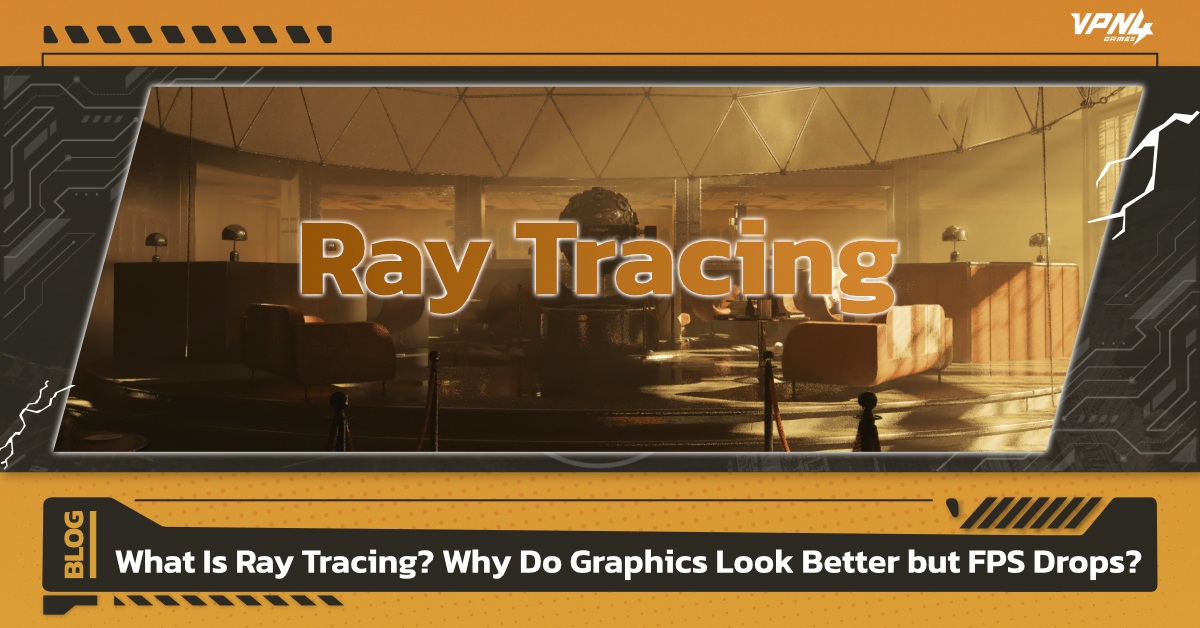
Modern games have made huge advances in graphics, from light shining through windows and shadows that change based on object positions to reflections on glass and wet surfaces. One of the technologies behind these realistic effects is Ray Tracing. For gamers, however, there is often a trade-off. When Ray Tracing is enabled, games can look more realistic and visually impressive, but FPS may drop. Games that previously ran smoothly may start to feel slower or experience stuttering. So, what is Ray Tracing, why is it so demanding on hardware, and should you turn it on or off while gaming? Let’s break it down in a simple way.
What Is Ray Tracing?
Ray Tracing is a rendering technique that simulates how light behaves in the real world to create more realistic lighting, shadows, and reflections.Instead of relying only on pre-defined lighting and shadows, Ray Tracing calculates how light travels through a scene, which objects it hits, how it reflects, and where it is blocked before using that information to generate the image displayed on your screen.NVIDIA describes Ray Tracing as a technique that simulates the physical behavior of light to create more realistic real-time graphics. Meanwhile, Microsoft’s DirectX Raytracing, or DXR, allows games to send Ray Tracing workloads directly to the GPU for processing.
How Does Ray Tracing Work?
Light source → Light hits an object → Shadows/reflections are generated → GPU processes the data → Image is displayed on screen
The more objects, light sources, and reflective surfaces a scene contains, the more data the GPU needs to process.
How Does Ray Tracing Make Games Look Better?
The main advantage of Ray Tracing is that it allows in-game lighting to interact with objects and environments in a more realistic way. The most noticeable improvements usually appear in three areas.
- More Realistic Lighting and Shadows
Shadows can change in position, intensity, and softness depending on the location of the light source, helping scenes look more natural and three-dimensional.
- More Detailed Reflections
Glass, water, metal, and wet surfaces can reflect nearby objects and environments more accurately, including objects that may not currently be visible within the player’s direct field of view.
- More Natural In-Game Lighting
Ray Tracing can simulate how light spreads and reflects between surfaces, helping rooms, buildings, and other environments achieve more realistic lighting.
NVIDIA states that real-time Ray Tracing is used to improve the realism of lighting, shadows, and visual effects in games, which is one reason supported games can look noticeably different when Ray Tracing is enabled.
Does Ray Tracing Reduce FPS?
Ray Tracing can reduce FPS because enabling it adds additional processing workloads on top of normal game rendering.
The GPU not only has to process models, textures, and the image shown on screen, but also calculate light paths, points where light hits objects, reflections, and real-time shadows.
The higher the Ray Tracing setting, or the higher the resolution such as 1440p or 4K, the more data the GPU needs to process. As a result, frame rates can drop compared to playing with Ray Tracing disabled.
This is why many modern GPUs include dedicated hardware designed to accelerate Ray Tracing workloads, such as the RT Cores found in NVIDIA GeForce RTX graphics cards.
Is Ray Tracing Demanding on Hardware?
Ray Tracing is considered one of the more demanding graphics settings, especially when combined with high resolutions and High or Ultra graphics settings.
However, the performance impact is not the same in every game. It depends on several factors, including:
- The graphics card being used
- Screen resolution
- Ray Tracing quality level
- The number of Ray Tracing effects used by the game
- Game optimization
- Whether Upscaling or Frame Generation is enabled
This means the same graphics card may run Ray Tracing smoothly in one game but experience a much larger FPS drop in another.
How Do DLSS, FSR, and XeSS Help with Ray Tracing?
Because Ray Tracing increases GPU workload, Upscaling technologies such as NVIDIA DLSS, AMD FSR, and Intel XeSS can help reduce rendering demands.
The basic idea is to render the game at a lower resolution than the target resolution, then use Upscaling technology to reconstruct or upscale the image. This means the GPU does not need to process every pixel at native resolution, which can help improve FPS.
On NVIDIA GPUs, DLSS is commonly used alongside Ray Tracing to improve performance and help maintain higher frame rates in graphically demanding games.
Should You Turn Ray Tracing On?
There is no single answer to whether Ray Tracing should always be enabled or disabled. It depends on the type of game you play and what you prioritize.
- For Single-Player or AAA Games Focused on Visual Quality
Ray Tracing can be a good choice for these types of games because lighting, shadows, and reflections can have a major impact on the atmosphere and visual experience.
If your system can maintain a smooth frame rate with Ray Tracing enabled, it can be worth turning on for better visual quality.
- For Competitive or FPS Games
FPS, Battle Royale, and Esports games usually prioritize high frame rates and responsiveness over visual details.
If enabling Ray Tracing causes a significant FPS drop, reducing the Ray Tracing quality or turning it off may be the better option for maintaining consistently high frame rates.
How to Use Ray Tracing Without Sacrificing Too Much FPS
1.Start with Ray Tracing set to Medium
2.Compare FPS before and after enabling it
3.Enable DLSS, FSR, or XeSS if supported by the game
4.Reduce Ray Traced Shadows or Reflections if FPS drops significantly
5.Adjust the resolution or other graphics settings
6.Choose settings that match your monitor’s refresh rate
Ray Tracing helps create more realistic lighting, shadows, and reflections in games, but the improved visual quality comes with additional processing demands, which can reduce FPS. For gamers who mainly play Single-player or AAA titles and have compatible hardware, enabling Ray Tracing can significantly improve the visual experience. Competitive gamers, however, may prefer higher FPS and lower Ray Tracing settings to maintain more consistent responsiveness. Besides FPS, online gaming also depends on factors such as Ping, Latency, and Network Connection stability. Even if your system can render a game smoothly, an unstable connection can still cause Lag or Delay during online gameplay. For gamers experiencing routing or connection issues, VPN4Games allows users to choose servers and connection routes that may better suit their location and the game they are playing, providing another option for managing connection issues during online gaming.
Additional recommended articles
DLSS vs FSR vs XeSS: Which One Should Gamers Choose?