What Is an Android Emulator? Popular Android Emulators
An Android Emulator is a tool that simulates the Android operating system on a computer, allowing users to play mobile games on a larger screen, run Android apps on a PC, or access games and apps that are restricted by region. This article explains what an Android Emulator is, how it works, and highlights popular Android emulators that are widely used by gamers and general users, helping you choose the right option for smooth and efficient performance.
What Is an Android Emulator?
An Android Emulator is software that simulates the Android operating system on a computer, whether on Windows or macOS. It allows users to run Android apps or play mobile games on a PC screen, delivering an experience similar to using a real smartphone.
In practical use, an Android Emulator is designed to replace mobile devices in many situations, such as playing games on a larger display, testing applications, or running Android apps that are less convenient on a small screen. The emulator replicates both hardware and software to closely match the behavior of a real device.
Compared to using an actual smartphone, the main difference of an Android Emulator is the ability to use a keyboard, mouse, and the full power of a computer’s hardware. This often results in smoother performance for certain games or apps, especially when running on a high-spec PC.
Main User Groups of Android Emulators
- Gamers who want to play mobile games on a PC or access games from other regions
- Developers who use emulators to test apps across multiple Android versions
- General users who want to run Android apps on a computer
What Can Android Emulators on PC Be Used For?
Play Mobile Games on PC
One of the main reasons people look for Android emulators on PC is to play mobile games on a computer. Using an Android Emulator provides a larger screen, allows control with a keyboard and mouse, and removes limitations such as battery drain or overheating that often occur on mobile devices.
In some cases, playing games through an emulator can deliver smoother performance, especially for games that require high frame rates.
Use Android Apps on a Computer
Besides gaming, an Android Emulator is also suitable for running general apps such as social media, chat applications, productivity tools, or certain specialized apps. It allows users to manage multiple accounts or work on several tasks simultaneously on a single screen more conveniently.
App Testing for Developers
For developers, Android emulators on PC are used as tools to test apps across multiple devices and different Android versions without the need to own every physical smartphone. This helps save both time and development costs.
Popular Android Emulators in 2026
A roundup of the most talked-about Android emulators in 2026, highlighting their key features and primary use cases to help you make an easier decision.
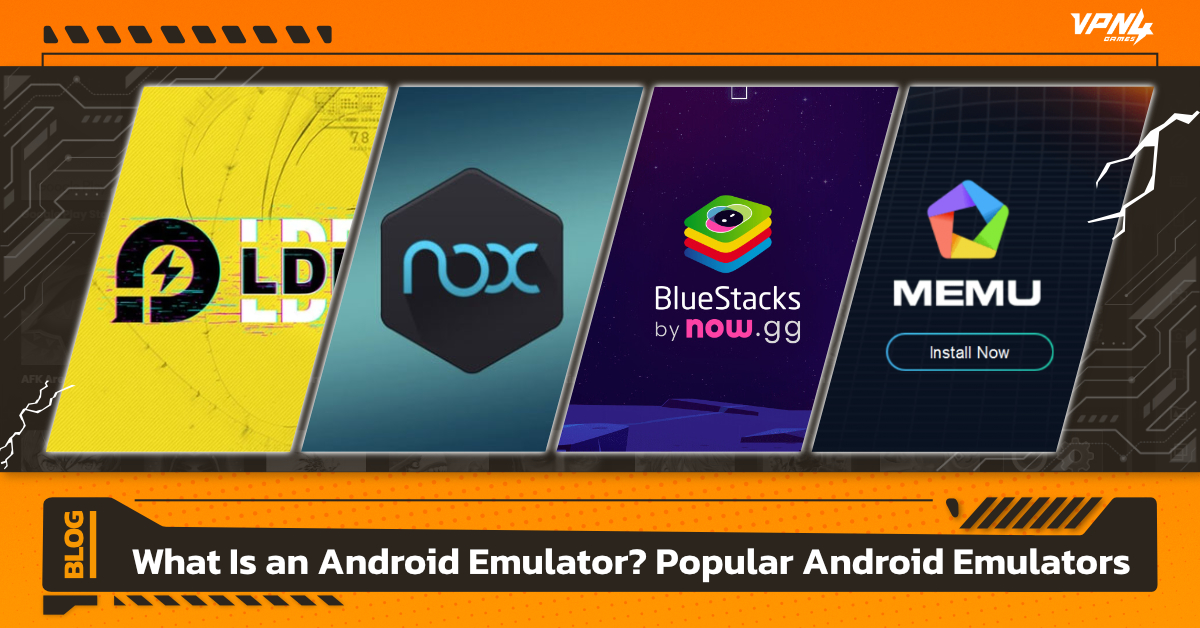
BlueStacks
BlueStacks is one of the most popular Android emulators, suitable for both general users and gamers who want to play mobile games on a PC. Its key strengths are ease of use and broad compatibility with a wide range of Android games and apps, along with a built-in key mapping system that makes keyboard and mouse controls simple and intuitive.
BlueStacks is ideal for users who want a stable experience without complicated setup and are looking for a large-screen gaming experience that closely matches real mobile gameplay, especially for popular games that require smooth and reliable performance.
NoxPlayer
NoxPlayer is popular among gamers, especially those who want greater freedom to customize their gameplay experience. Its main strengths include detailed support for keyboard, mouse, and controller settings, as well as the ability to adjust the virtual Android device specifications to suit different types of games.
NoxPlayer also supports multi-instance functionality, allowing users to open multiple windows at the same time. This makes it ideal for playing multiple accounts or testing several games simultaneously, delivering a smooth and flexible experience for serious PC gamers.
LDPlayer
LDPlayer is an Android emulator designed specifically for gaming. It uses relatively low system resources while still delivering strong performance, making it suitable for gamers who want smooth gameplay, stability, and high frame rates when playing games through an Android Emulator.
LDPlayer also supports keyboard and mouse customization, enabling precise control. It works well for action games, FPS, MOBA titles, and any games that require fast and responsive input on a PC.
MEmu
MEmu stands out for its speed and gaming performance, especially with support for high frame rates and smooth, stable multi-instance usage. It also offers easy-to-use control key settings, making gameplay more convenient and efficient.
However, some drawbacks include a relatively high number of in-app ads in the free version, along with occasional prompts to install bundled or bloatware apps during use or updates. In addition, MEmu can consume significant system resources when running at maximum graphics settings or when multiple instances are active at the same time.
Pros and Limitations of Android Emulators
Pros
- Convenient, no need to use a physical smartphone
- Cost-effective, using a single computer instead of multiple devices
- Versatile usage for gaming, app testing, and general applications
Limitations
- Consumes relatively high system resources, especially RAM and CPU
- May require additional system configuration, such as enabling VT or adjusting BIOS settings, to achieve optimal performance
An Android Emulator is a tool that meets the needs of gamers, developers, and general users alike, allowing them to play games and run Android apps on a PC with ease. With a wide range of Android emulators available, users can choose the option that best fits their usage style and computer specifications.
For gamers who want more than just playing on a PC, especially those who want to access overseas game servers or download games that are not yet available in their region, a stable VPN solution is essential. VPN4Games is a VPN designed specifically for gamers, offering more than 100 servers across 20 countries to help reduce lag, Reduce Ping, and maintain a stable connection. When used with an Android Emulator, it enables smooth gameplay and easy access to games from all regions around the world.
Additional recommended articles
Fix high ping & blocks on BlueStacks for cross-region play