WiFi vs LAN for Gaming: Does Ping Really Differ?
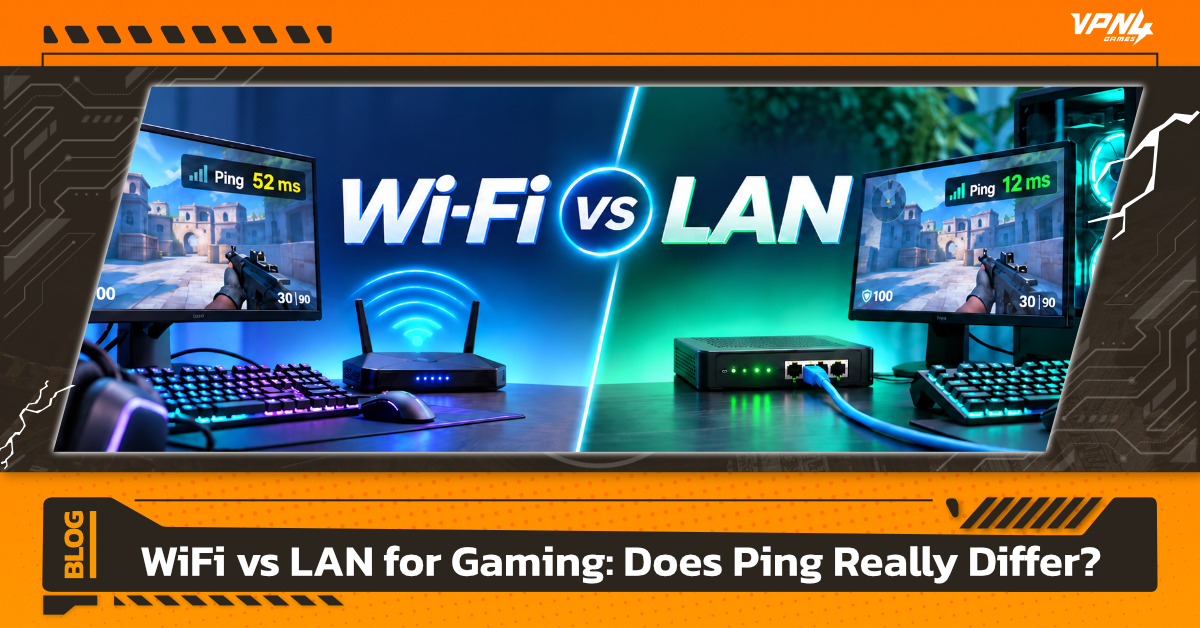
When playing online games, you may experience unstable ping, stuttering, or delayed character responses. One of the most common suggestions gamers hear is: “Try using a LAN cable instead of WiFi.” But does switching from WiFi to LAN actually reduce ping? And now that technologies like WiFi 6 and WiFi 7 offer much higher speeds, is a wired connection still necessary for gaming? When it comes to online gaming, Download and Upload speeds are not the only factors that matter. Ping, Latency, Jitter, and connection stability also directly affect how responsive a game feels, especially in FPS, MOBA, Fighting Games, and other Competitive Games where every millisecond can make a difference.
What Is the Difference Between WiFi and LAN?
The main difference between WiFi and LAN is how data travels between your device and the Router.
WiFi is a wireless connection that sends data through radio waves. It is convenient because you do not need to run a physical cable from the Router to your PC, Notebook, or Console. What gamers commonly refer to as LAN, on the other hand, usually means connecting a device directly to the Router using an Ethernet cable. This allows data to travel without relying on a Wireless signal.
What Is WiFi Best For?
The main advantage of WiFi is convenience. You can connect from different areas around your home, making it ideal for portable devices such as Notebooks, Smartphones, or Handheld Gaming PCs.
However, WiFi performance can vary depending on several factors, including:
- Distance from the Router
- Walls and other obstacles
- Nearby Wireless interference
- Number of connected devices
- Router and WiFi Adapter performance
These factors do not mean WiFi is unsuitable for gaming, but they can cause Latency or Jitter to fluctuate while you play.
What Is LAN Best For?
LAN, or Ethernet, connects your device directly to the Router through a cable, reducing issues related to distance, walls, and Wireless interference.
For Gaming, the main advantage is not simply higher speed. A wired connection generally offers more consistent Latency and lower Jitter than WiFi. Router testing by RTINGS has shown that Ethernet connections can provide lower and more stable local Network Latency than WiFi, even when using modern Routers.
Is LAN Better for Gaming?
If you regularly play Online or Competitive Games and can run a cable from your Router to your gaming device, LAN is generally the better choice.
This is especially true for games such as:
- FPS
- Battle Royale
- MOBA
- Fighting Games
- Racing Games
- Competitive Multiplayer Games
These games do not usually require as much Bandwidth as video Streaming. Instead, they rely on small amounts of data being sent to and from the Server quickly and consistently.
The advantages of using LAN for gaming include
- More consistent Ping
- Reduced Jitter from Wireless connections
- Less impact from signal interference
- Less dependence on distance from the Router
- More stable overall Connection
What Should You Do If You Have to Play on WiFi?
If running a LAN cable is not practical, you can still optimize WiFi for Gaming by making a few adjustments:
- Keep your device close to the Router
- Use the 5 GHz or 6 GHz band when supported and suitable for your distance
- Avoid using multiple Repeaters
- Reduce Downloading and Streaming while gaming
- Check for Background Apps using Network bandwidth
- Use a Router and WiFi Adapter that support compatible standards
Which Is Better for You: WiFi or LAN?
If you are a Competitive Gamer and want the most stable Connection possible, LAN is usually the better option, especially when your PC or Console is close enough to the Router for a wired setup.
WiFi is a good choice for users who prioritize convenience, cannot easily run cables, or mainly play Casual Games. If your Router is nearby and the signal is strong, the difference between WiFi and LAN may not always be noticeable during normal gameplay.
Instead of looking only at Download Speed, gamers should also consider Ping, Jitter, Packet Loss, and overall connection stability during actual gameplay.
Does WiFi vs LAN Really Make a Difference to Ping?
It can, but switching to LAN does not always mean your Ping to the Game Server will drop significantly. The Ping shown in a game does not only measure the connection between your PC and Router. Your data travels through several points, such as
LAN mainly helps reduce Latency and fluctuations during the first part of that journey: the connection between your device and your Router. However, there are still many external factors that LAN cannot control. For example, if you are playing from Thailand but connecting to a Game Server located in the United States, the physical distance and Network Route can still cause high ping, even if your PC is connected through LAN.
How to Reduce Ping While Gaming Besides Switching from WiFi to LAN
Using a LAN cable is only one way to improve your Network because Ping is also affected by Game Servers and external Routing.
If you want to reduce Latency, try the following:
- Choose the nearest available Game Server
- Close background Downloads or Updates
- Reduce Streaming and Network Traffic while gaming
- Check for Packet Loss
- Restart your Router if the Connection is unstable
- Check the Network Route to the Game Server
If you have the option, LAN is generally the better choice for online gaming, especially for Competitive Games, because it reduces Wireless interference and usually provides more consistent Latency and Jitter within your local Network.
However, this does not mean WiFi is unsuitable for gaming. With a modern Router, a strong signal, and an uncongested Network, WiFi can still provide a smooth online gaming experience. The key point to remember is that LAN improves the stability of the connection between your device and Router, but it does not guarantee lower Ping to the Game Server. Other factors such as your ISP, Network Routing, physical distance, and the Game Server itself can still affect Ping.
For gamers who are already using LAN but still experience routing issues when connecting to overseas Servers, VPN4Games is another option for choosing Servers and connection routes that may better suit the game and location in certain situations.
For Online Gaming, having a “fast” internet connection alone may not be enough. You also need suitable Ping and a stable Connection for a smoother gaming experience.
Additional recommended articles
DLSS vs FSR vs XeSS: Which One Should Gamers Choose?